


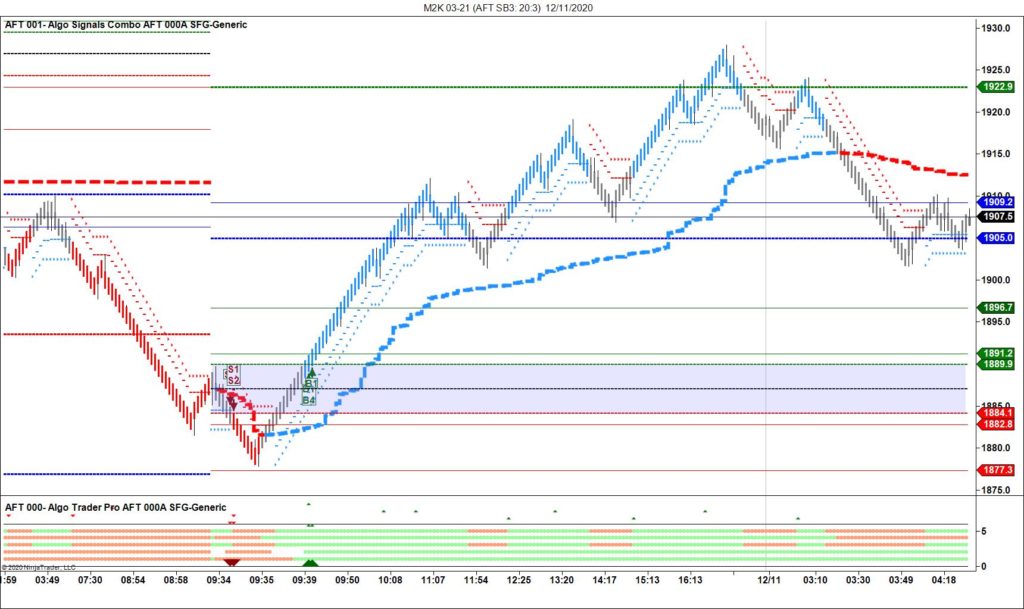
All AFT7 traders should upgrade to AFT8, available with freemium access and a full-featured free trial. Get AFT8 here for NinjaTrader.
The workspaces for Micro Futures have been rolled to the new contract for 03-21. Restarting NinjaTrader with AFT7 installed will automatically download and install into NinjaTrader. Manual installation is also available from the AFT downloads page.
You will need to roll your contracts to the latest and download the data.
For assistance with NinjaTrader rolling, please see here: https://ninjafuturestrading.com/support/helpGuides/nt7/rolling_over_a_futures_contrac.htm
You may also need to download 8 days of historical tick data: https://ninjafuturestrading.com/support/helpGuides/nt7/download.htm
Then open the new workspace. Close the workspace if you are getting any errors about “unable to find instrument.” Roll over the contract, get the data, then open the workspace.
Visit the AFT Help Desk for more info or submit a support ticket: https://algotradingsystems.zendesk.com/knowledge/articles/360053590212/en-us?brand_id=360001147331