

Hybrid Pure Fully Automated Trading – 100% Automatic Futures Trading
In response to high demand, announcing AFT Algo Trading System baselines designed specifically for pure algorithmic trading with no charts, plus hybrid integrated charts & algorithmic multiple workspaces.

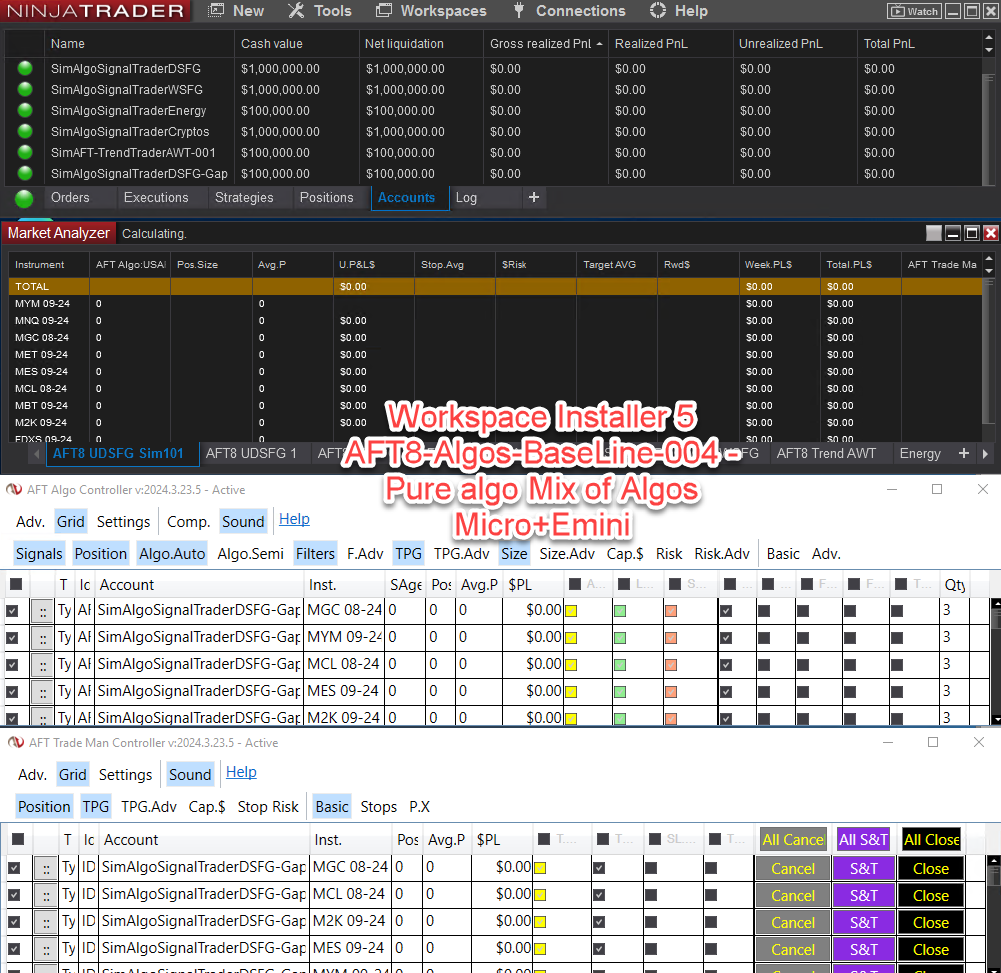
100% fully automated turnkey workspace AFT8-Algos-BaseLine-004, a mix of Algos micro and emini futures – ready to trade risk-free on sim/demo accounts!
Workspaces 5 Installer for VIP and Free Trialists
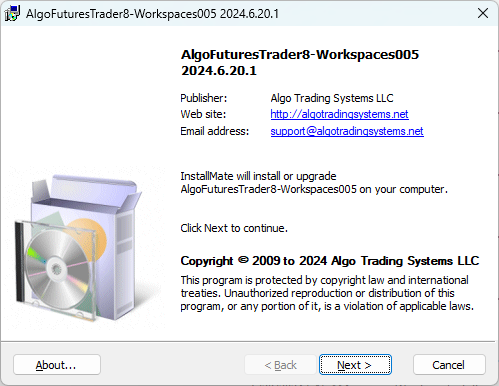

Download Workspace 5 for VIP traders and free trialists:
https://account.algotradingsystems.net/Secure/Downloads
Purpose of BaseLine Algo Systems
Educational: This is for sim/demo trading and allows a trader to tweak a copy of the baseline algos to their trading style and compare back to the running baseline algos stats, etc. It runs fully automated on a server in sim/demo mode, providing baseline statistics and trading data. Traders should save a copy of algorithm settings, make adjustments, and compare results against these baselines. Once configured, the system operates 24/7 on a server with NinjaTrader connected; no license is required in NT8 sim/demo modes.
Installation and setup take just one minute. Workspace 5 can be installed immediately, but accounts will need to be added within the NinjaTrader control center.
Assessment: Weekly and monthly assessments ensure optimal performance—avoid live trading prematurely to mitigate recency bias!
Time to Market: A minimum evaluation period of 3 months to 1 year is advisable for fully automated trading with the settings and variants a trader has created to suit their trading plan and are tested.
AFT8 Workspaces #5
Fully Automated Algo Trading Baselines for NT8
- AFT8-Algos-BaseLine-001 – Pure Algo DSFG/WSFG
- AFT8-Algos-BaseLine-002 – AWT Hybrid Algo + Charts
- AFT8-Algos-BaseLine-003 – MTF Hybrid Algo + Charts
- AFT8-Algos-BaseLine-004 – Pure Algo Mix of Algos Micro + Emini
Accounts List for Algo Trading Baseline Workspace No. 5
- SimAlgoSignalTraderDSFG
- SimAlgoSignalTraderCryptos
- SimAlgoSignalTraderWSFG
- SimAlgoSignalTraderEnergy
- SimAlgoSignalTraderDSFG-Gap
- SimAFT-TrendTraderAWT-001
These accounts should be added to NinjaTrader in Multi Provider Mode. For example, NT8 will prefix the account with “Sim” for SimAlgoSignalTraderDSFG; add AlgoSignalTraderDSFG.
Related Links
- NinjaTrader 8 Multi Provider Mode
- NinjaTrader 8 Global Simulation Mode
- FAQ: Where is the information on how to change account for AFT8?
- How to trade futures with automatic trading entry and fully automated exits for algo trading robot in NinjaTrader?
- NinjaTrader fully automated futures trading or hybrid algo trading?