


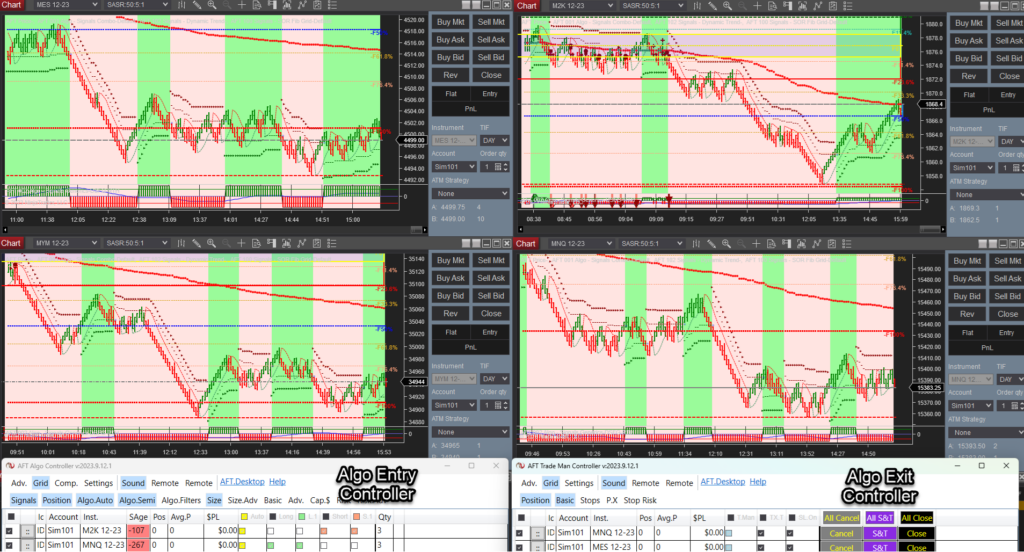
What can set you apart and put you in the top 20% of traders – the winners?
Get a routine and make it a habit; it will make you or break you! So make sure it is a good habit!
Have a Trade Plan:
- Define capital and risk per trade.
- Set trading goals and loss limits for the day and week.
- Select the system and instruments.
- Prepare system templates and workspaces.
- Schedule when to be at the trading desk, set the system in action, and know when to pause.
Pre-Session
- Check the prior session and view a higher time frame analysis to get the bigger picture of the market.
- Set a bias for the session, long or short.
- Prepare the system with lots, risk, and limits for one trade or multiple trades.
- Get the trade controllers ready for action with the controls you use at the ready.
- Assess if the open is a high probability setup and entry.
- Decide to go in with half clip or full risk according to your plan.
- Decide whether to wait for the first 30 minutes, 5 minutes, or 1 minute of the open.
Tactics
- Let trades run to the close – scale out.
- Increase accuracy and limit drawdowns.
- Use AlphaWebTrader for correlations and technicals.
- Trade less, not more – trade smarter!
Trade Diary Stats and Notes
- For each trade, make a screenshot of the entry and any other timeframes.
- Note the levels, trends, and correlations of technicals, price cycles, and market news cycles.
- Do this for the exits too, and note whether it was a winner or loser, mistake or fair trade.
Maintenance Routine
View help desk article on NinjaTrader Bars and Data
- Futures contract rollover.
- Instrument data
- Each day pre-session, download and get fresh data.
- Use the instrument manager and a list.
- Or refresh the data on the charts!
AFT Session Breakout needs 7 days of data downloaded to get the best consistent results of signals, range, and bars. To stay in sync across multiple desktop PCs, this task needs to be performed each day pre-session. Typically, download the last 2 days, and on weekends, download the last 7 to 7 days to get the corrections and backfills.