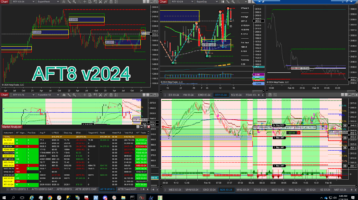
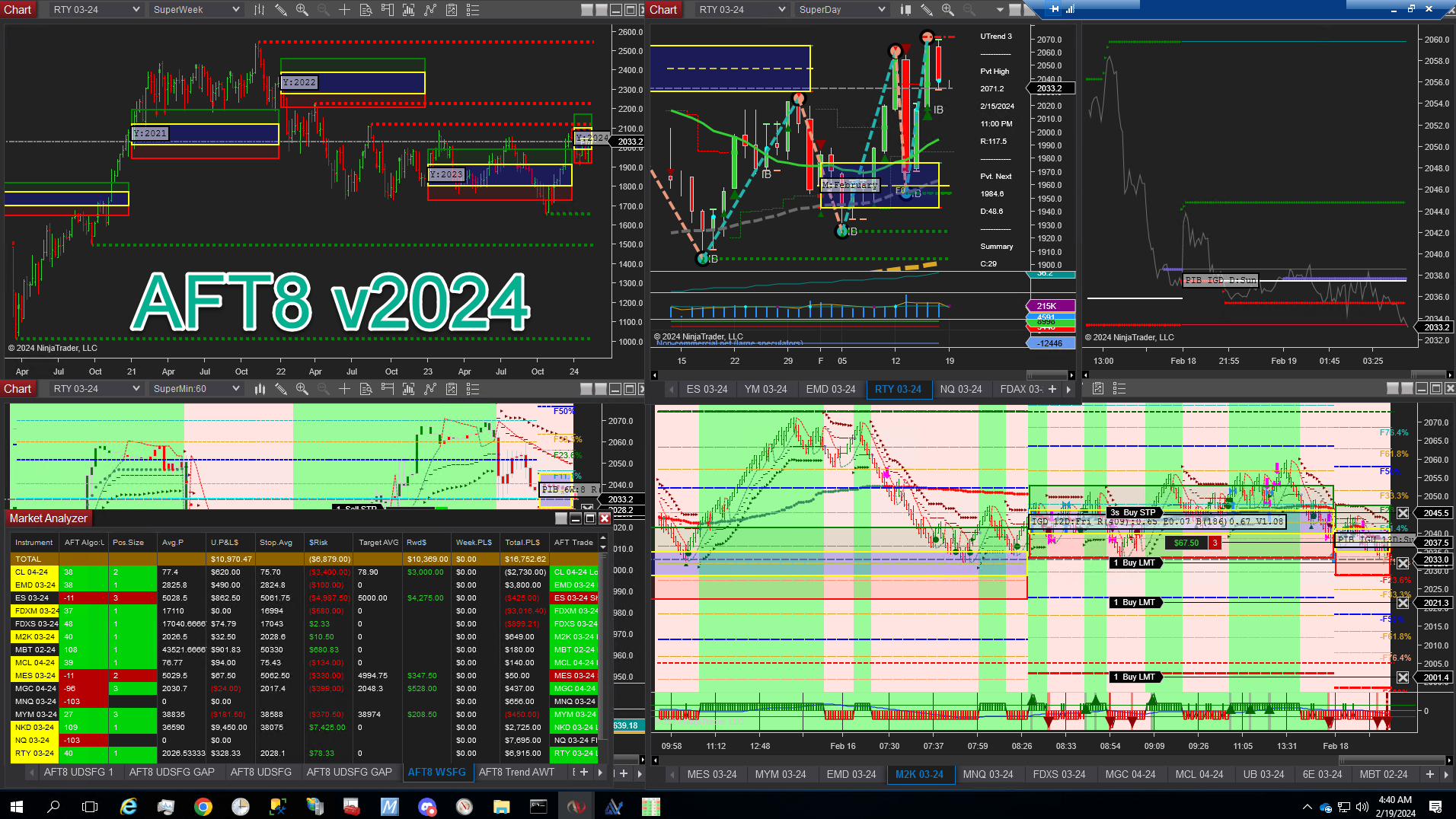
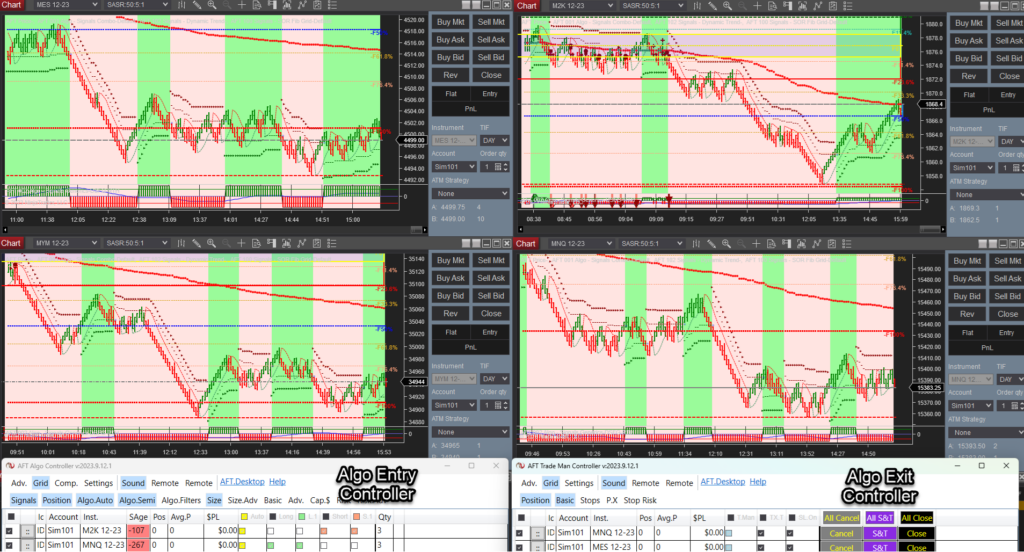
AlgoFuturesTrader provides NinjaTrader Automated Trading in fully automatic, semi-automatic, and manual trade entry with full automatic trade management modes. Hybrid Trading Controller user interfaces allow full control of NT8 Desktop algo trading. In addition, AFT provides the ability to work remotely via NinjaTrader web or NinjaTrader desktop while AFT8 runs on your NinjaTrader desktop at home, the office, or a server:
NinjaTrader Automated Trading/Triple Control
- View, monitor, and control your trades via NT web and NT mobile.
- PLUS, you can take new trades on the NT web/mobile.
- Take New Trades
- Position Compound – add to existing
- Close Positions
- Cancel Orders – automatic replace
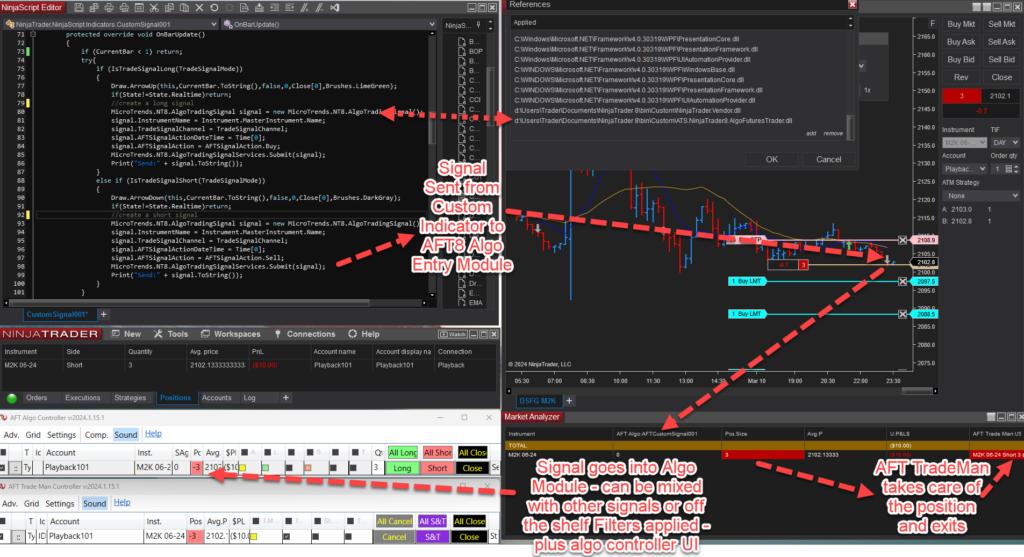
AFT8 Advanced Automated Fault Tolerant trade manager will place the exits, breakeven stops, trailing stops, and time-based exits, contract expiry exits. It will also deal with overfills, underfills, and stuck orders. Automatic startup with NinjaTrader as long as there is a valid connection, it will perform its tasks via NT 8 Desktop. AFT8 will replace canceled orders and ensure the balance of entry and exits is correct. Normal strategies in NT will close and halt if you start to close positions. If you cancel orders, they will not be replaced. In addition, it would go out of sync with the real underlying account if you add new positions and would not safeguard the exits – allowing unlimited loss. AFT8 solves this problem by allowing local control and interaction in real-time as well as remotely via the NT web and NT mobile tools. It does this by using the low-level API layers of NinjaTrader and providing full control real-time hybrid trading – direct from the pioneers of hybrid automated trading!
How to get started?
To get started, simply open the turnkey trading system workspaces and set the account in NinjaTrader desktop AFT8 to your NinjaTrader brokerage account live or demo!
- Install AFT8 + Start NT8
- Open Turnkey workspace
- Set NT demo or NT Live Account
🚀 Get Started Trading the Easy Way
Get started 100% FREE with NinjaTrader Desktop, an ATS Universal Account and access to eligible ATS Freemium applications and trader resources without a time limit. Follow the self-assisted ATS Launchpad to create and configure your account, access AFT Freemium and request an available full-feature trial. No payment card is required to get started. If you prefer personal assistance, explore optional independently supplied setup and onboarding services through the ATS Ecosystem.1) 📊 Download and Set Up NinjaTrader Desktop
Download NinjaTrader Desktop for futures charting and simulated trading. Real-time market data requires an appropriate connection and may involve separate fees. Use NinjaTrader with AFT for manual discretionary, Hybrid Algo or fully automated trading across supported demo, simulation, prop-firm evaluation, funded and live-trading accounts, subject to your AFT plan and account-provider rules.2) 🚀 Get Started 100% FREE
Create your free ATS Universal Account and follow the self-assisted Trader Launchpad to unlock eligible ATS Freemium access, Market IQ, trading-group resources, trader benefits and available full-feature trials.- Freemium Access Without a Time Limit: Use eligible ATS Freemium applications within their included feature limits.
- AFT Freemium: Higher-timeframe charting indicator usage free forever for swing/intermediate position trading
- Self-Assisted Launchpad: Follow the guided steps to set up your account, applications and available services.
- White Glove Services: Setup, onboarding and trader-mastery services through the ATS Ecosystem.
- Full-Feature Trial: Eligible traders can request an available trial directly from their ATS Account Trader Launchpad.
- No Payment Card Required: Create your account and begin with Freemium access at no cost.
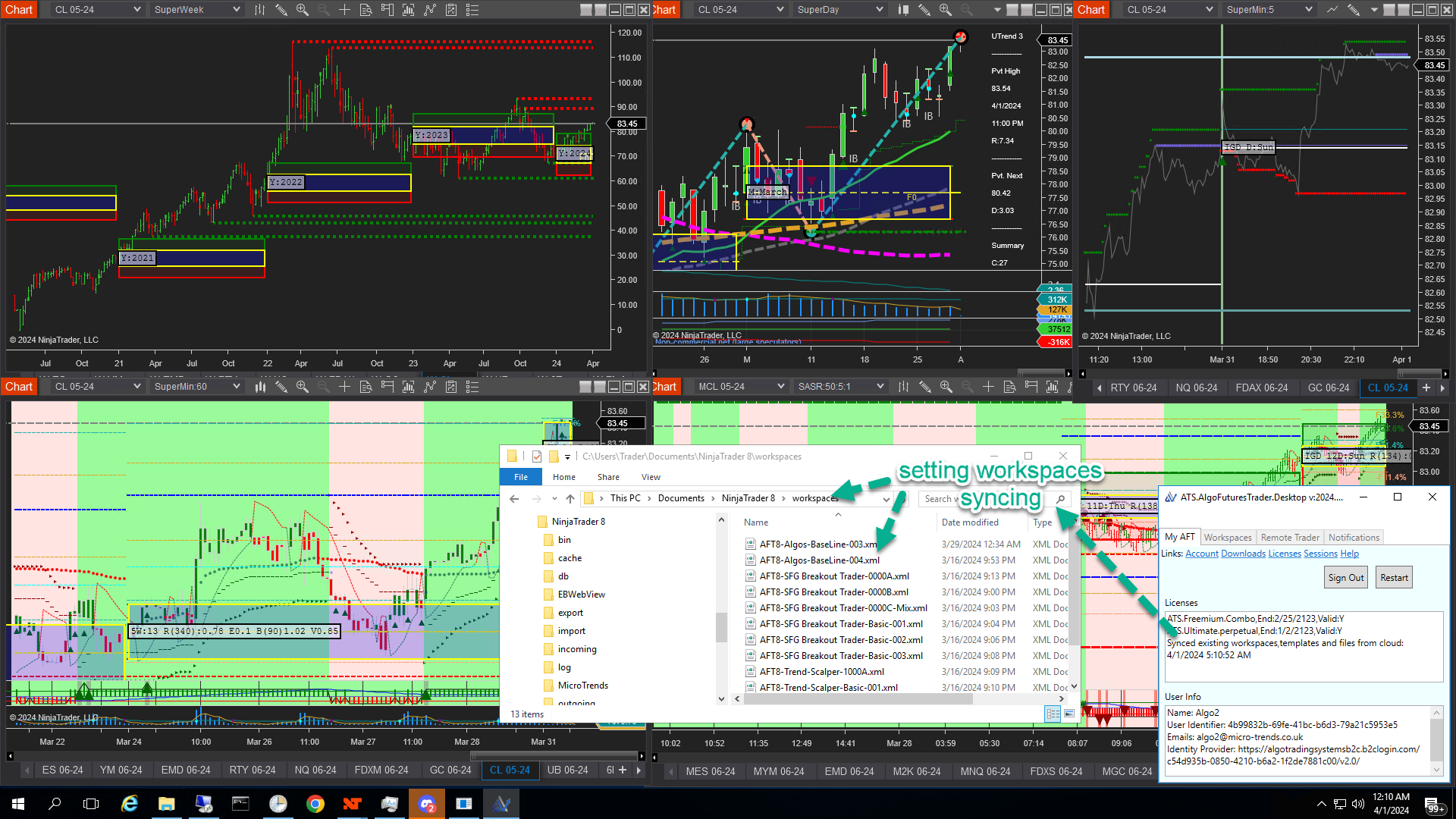 Workspace and Settings Sync