Every trader has a “risk personality.” Some prefer tight risk with frequent decisions.
Others prefer wider structure with fewer interruptions. Neither is “right” or “wrong”—
but each style has predictable tradeoffs in win rate, trade frequency, and drawdown shape.
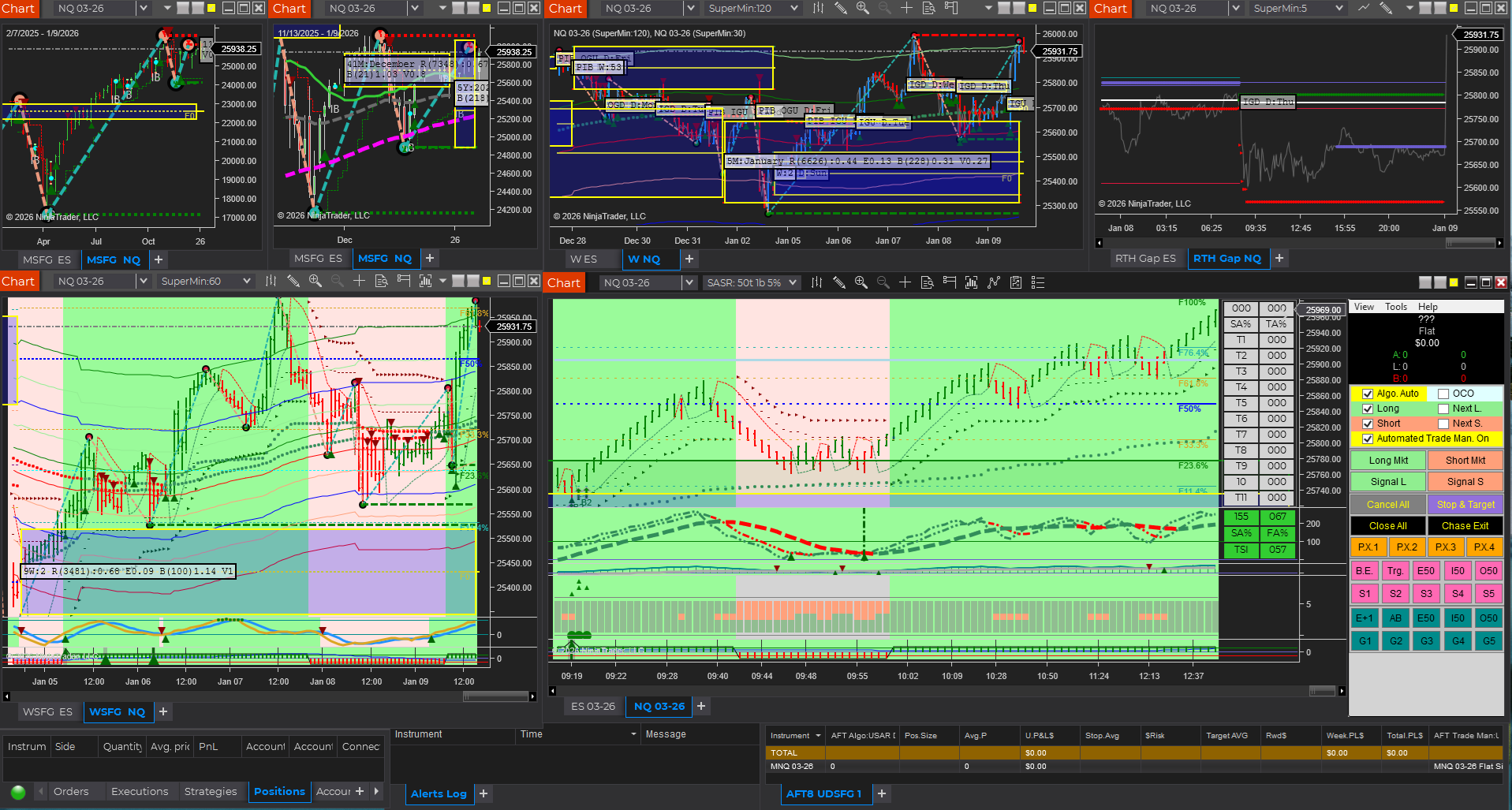
AFT8 note: AFT8 provides generic turnkey workspaces for session breakout trading that support
scaling out and the ability to capture a larger portion of the daily range move. The default structure is
intentionally looser by design to survive normal volatility and give trades room to develop.
Traders can manage risk “in-flight” using hybrid controls, or (in Stage 5 of the Zero-to-Hero process)
save personalized settings for evaluation, performance, and going onto prop trading eval, perf or brokerage real money account live.
Two Common Trading Personalities
1) Tight Risk Trader: Small Stops / Smaller Targets
This style tries to keep losses small and get paid quickly. It can feel clean and controlled,
but it typically comes with more stop-outs and more trades.
- Trade frequency: Higher
- Stop-outs: More frequent
- Win rate: Often lower
- Reward-to-risk (R:R): Often higher on a trade-by-trade “ideal” basis
- Emotional profile: “Death by 1000 cuts” (many small losses)
2) Structure Trader: Larger Stops / Larger Targets
This style gives the trade more breathing room around structure (swings, zones, session levels).
It often creates fewer stop-outs and fewer trades, but losses can be larger when wrong.
- Trade frequency: Lower
- Stop-outs: Less frequent
- Win rate: Often higher
- Reward-to-risk (R:R): Often lower per trade (unless targets are expanded)
- Emotional profile: “Death by a few large blows” (rare but heavier hits)
Stop Size vs Trade Frequency (The Hidden Tradeoff)
Stop size isn’t just a risk number—it controls how often you get “interrupted” by normal market noise.
A smaller stop gets hit by ordinary volatility more often. A larger stop can survive noise,
but you must pay for that survival with either reduced position size or fewer attempts.
- Smaller stops tend to require more attempts to capture moves, which increases
trade frequency and decision load. - Larger stops tend to reduce trade frequency, but a losing trade costs more in dollars
unless position size is reduced.
The practical takeaway: stop size, win rate, and trade frequency are linked. If you change one,
you affect the others.
Targets: Small vs Large
Smaller Targets
Smaller targets get hit more often, which can support confidence and smooth equity when the market is choppy.
The downside is you may cap the upside on strong trend days unless you keep a runner.
- Pros: Higher hit rate, faster feedback, less time exposed
- Cons: Can miss big moves; drawdown recovery may require multiple trades to climb back to breakeven;
risk-reward can be diminished if the system needs frequent “re-entries.”
Larger Targets
Larger targets fit trending conditions and can create big winners, but you will naturally have more “almost hit”
outcomes and more partial wins turning into break-evens.
- Pros: Captures trend expansion, fewer trades needed for meaningful gains, stronger expectancy when conditions align
- Cons: Lower hit rate, more patience required, more time exposed to reversals
Technical Stops: When Stops Should Be Big or Small
The best stop size is often dictated by structure, not preference.
A technical stop is placed where your trade idea is invalidated—below/above a swing, outside a zone,
or beyond a session level. Sometimes that stop is naturally tight. Sometimes it must be wider.
When technical structure demands a larger stop, the solution is usually not to force a tighter stop.
The solution is to scale position size dynamically so the dollar risk stays consistent.
- If the stop must be wider: reduce lots/contracts
- If the stop can be tight: you may add size (within your max risk rules)
- Goal: keep risk per trade consistent even when stop distance changes
Choosing Your Style (A Practical Checklist)
- If you dislike frequent stop-outs and prefer fewer, calmer decisions:
lean toward structure stops and lower trade frequency. - If you prefer quick feedback and don’t mind “many small cuts”:
lean toward tighter stops and higher trade frequency. - If you want balance:
use technical stops + dynamic position sizing, and consider
partial exits (take something off early, keep a runner for expansion). - Regardless of style: focus on high probability trades where the projected move justifies the risk.
Better selection reduces the need for constant setting changes.
Your best style is the one you can execute consistently without emotional spirals.
Consistency beats intensity.