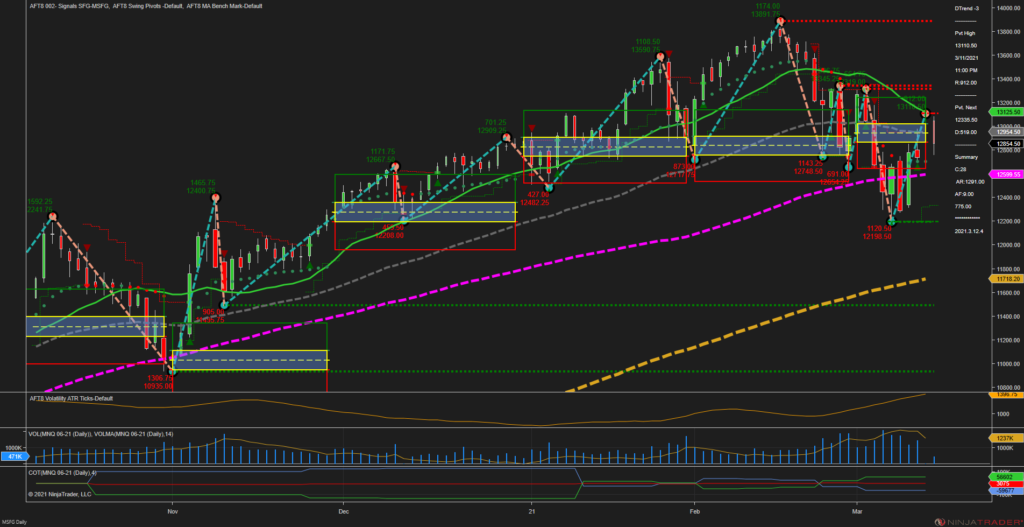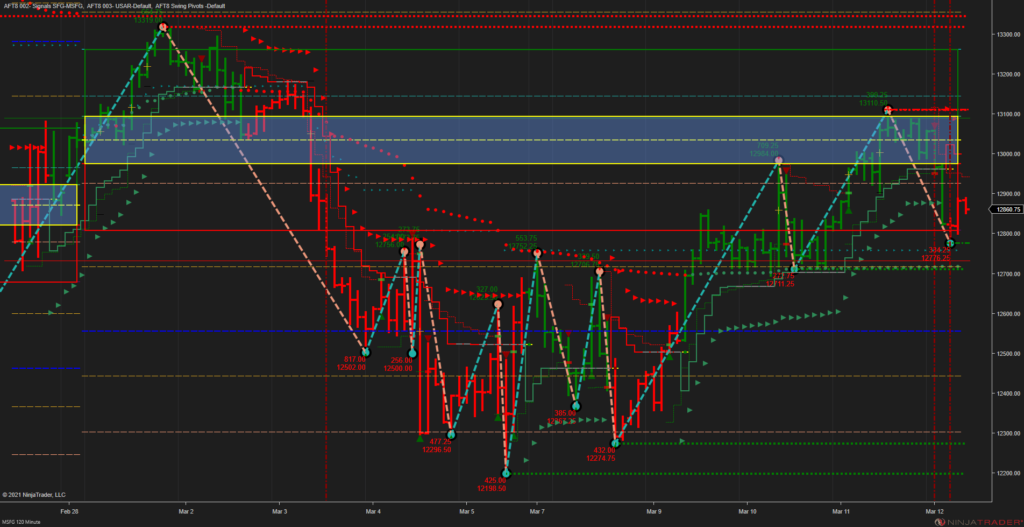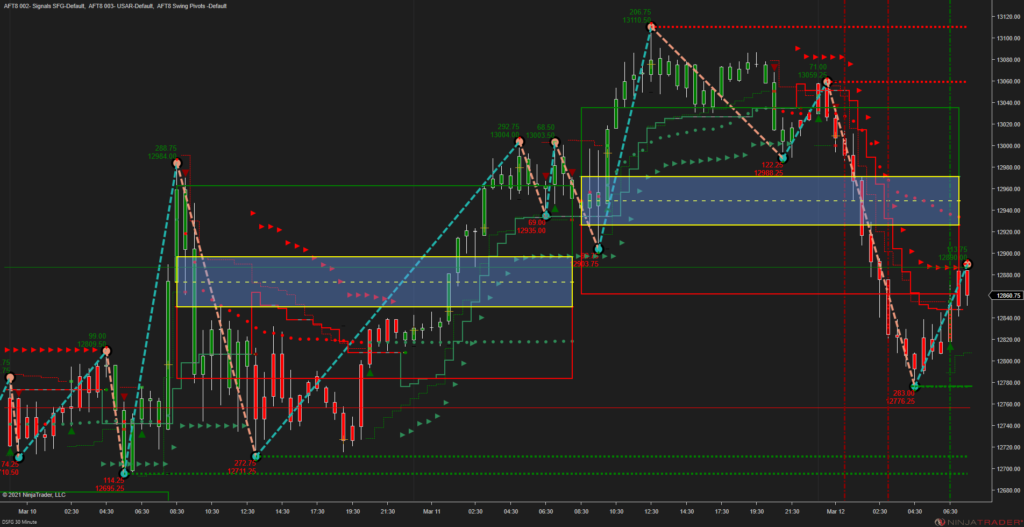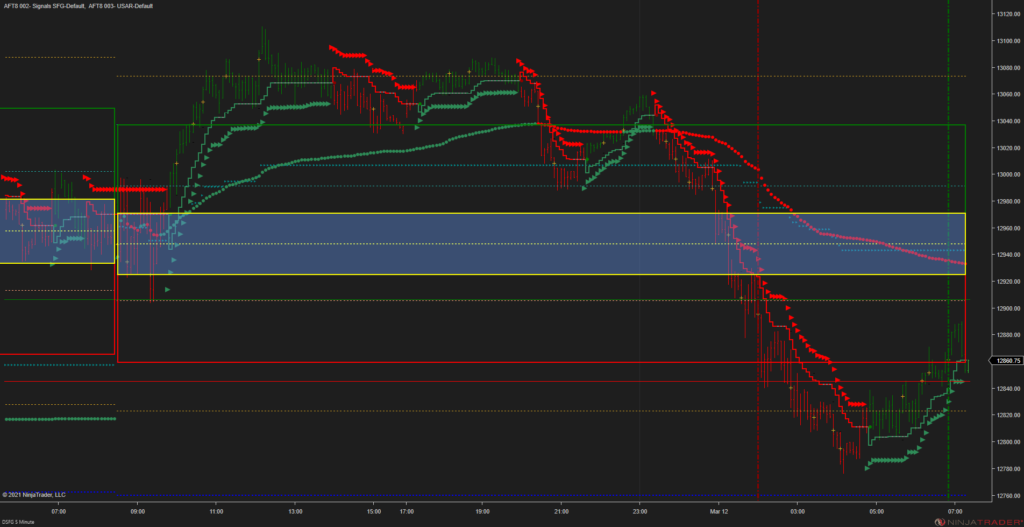
Non Farms Payroll OCO Breakout Trading micro futures with AFT7
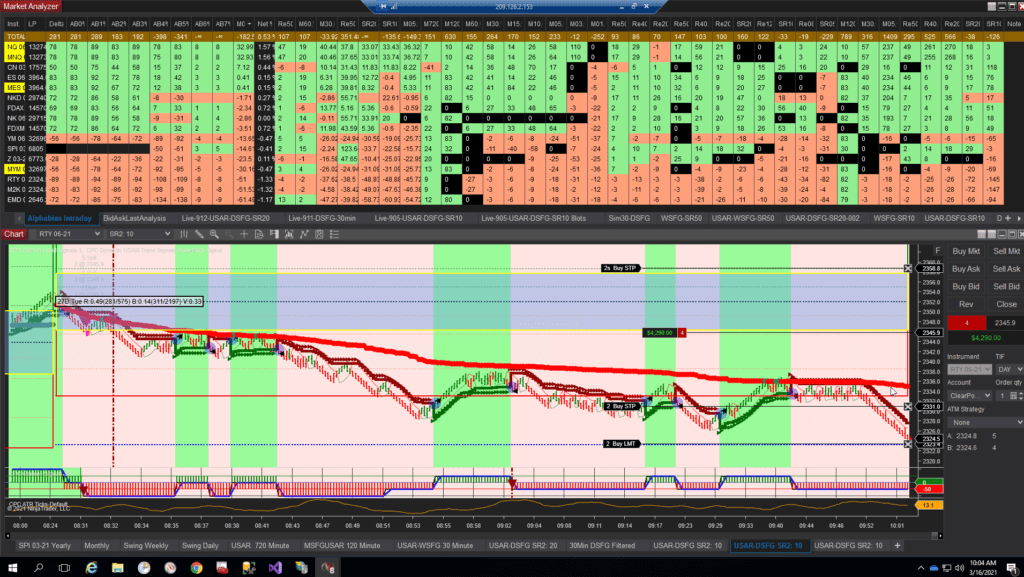
Non-Farm Payroll OCO Breakout Trading Micro Futures in semi-automated trading mode.
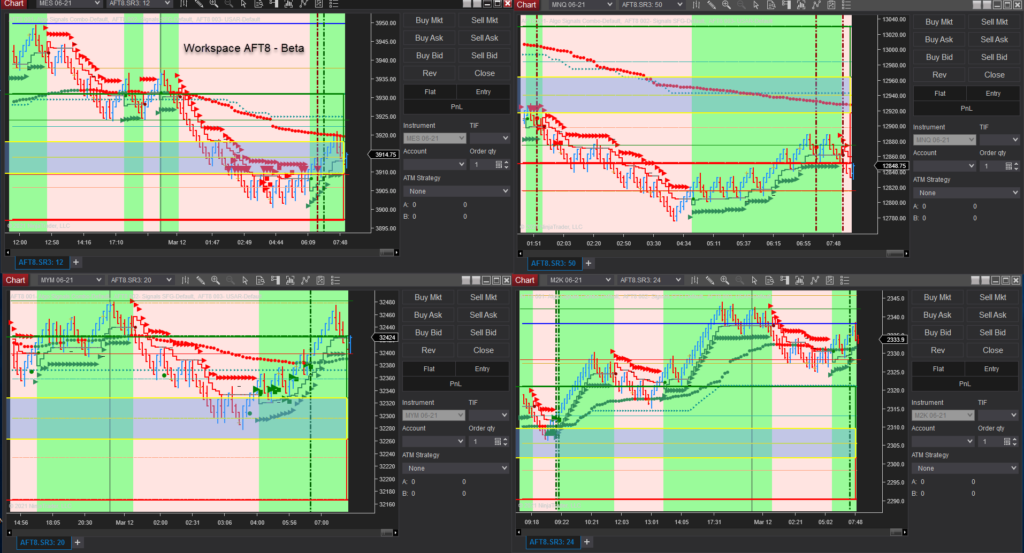
You can install and open any workspace provided that suits you. Simply wait until you are a minute or so away from the pending news release. Click the OCO button and then make sure the entry long and short are in the technical position as you like.
Now wait for the market trend momentum and price to fill one of the entry orders. The One Cancels Other (OCO) means the other order will be canceled. The AFT7 automatic trade management module will then place the trade exit orders and automatically scale out and trail the stop loss.
AFT7 to AFT8 Upgrade for NinjaTrader 8 – Pricing details
AFT8 is expected in the first quarter of 2021, but as of the time of writing, it is still some time away due to the trading and development commitments of the developer of the AFT systems, namely Automated Systems NinjaTrader Developer and Hedge Fund Trader Tom Leeson of MicroTrends Ltd.
How much will the AFT8 cost?
The news we can share now is that for traders who lease, there is no upgrade fee. With lease plans, you get it all for your lease period.
For traders who purchased a lifetime AFT7 license more than one year prior to the release of AFT8, there is an upgrade fee. For traders who bought the AFT7 Lifetime license and the AFT7 legacy annual renewal, there is no upgrade fee, provided it is not expired and was purchased within three months of the first year.
Please visit the AFT Upgrade AFT7 to AFT8 product for more details or consider a lease if you prefer it.
US Equities Session Open Micro Futures Day Trading System Basics
System Premise
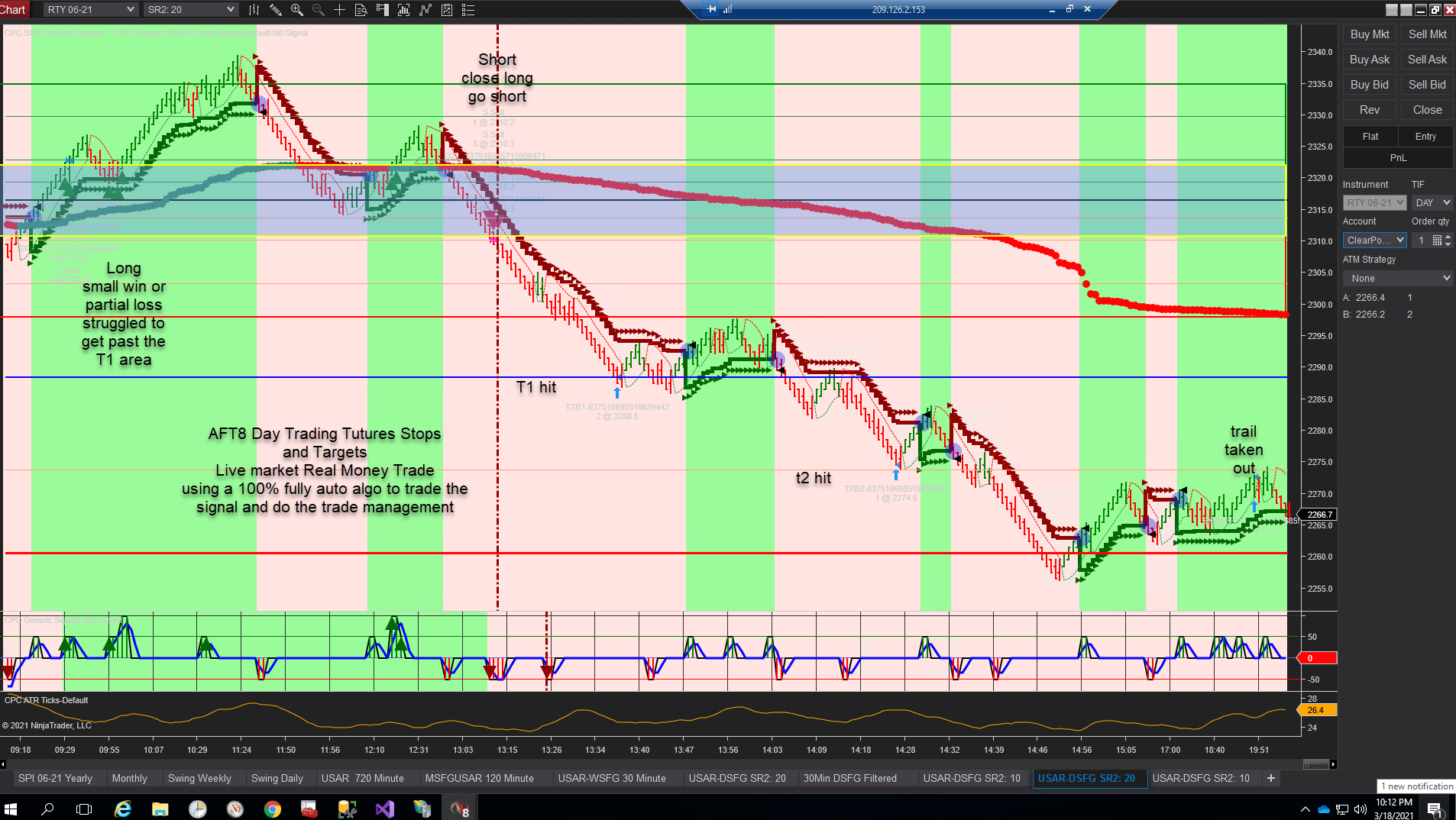
The trend is your friend until the end. Let winners run and cut your losers.
Note: You trade out from the session open and do not take reversal trades back to the open from the high or low, etc. You let it run and trail.
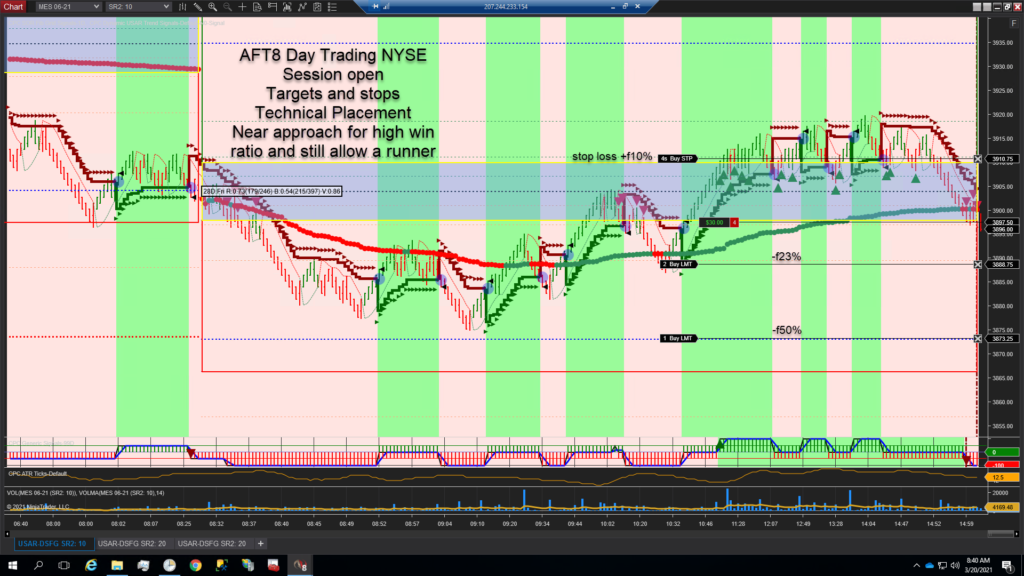
Get in a trade as early as possible and avoid chop and false signals. Aim for an entry price near the session open price, ensuring a high probability of a run leading to a profit, as opposed to entering later at the high and trend exhaustion or requiring a larger stop loss to weather pullback continuations or chop and noise.
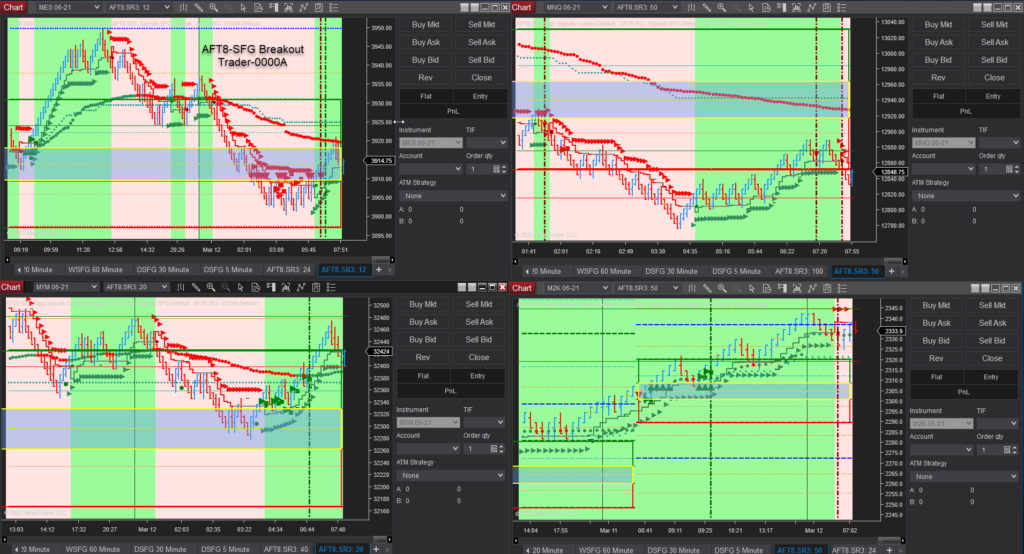
To get started with this system, please use the workspace “AFT SFG Breakout Trader-0000A-Generic-Micros” and view the following guidance for AFT Day Trading Micros Session Open Breakout.
With this system, you enter with the trend momentum and direction of the market from the session open when there is statistically significant momentum and direction caused by the NYSE open. You should aim to enter a trade from 9:30 AM EST to 11:00 AM as a guide.
AFT System Details

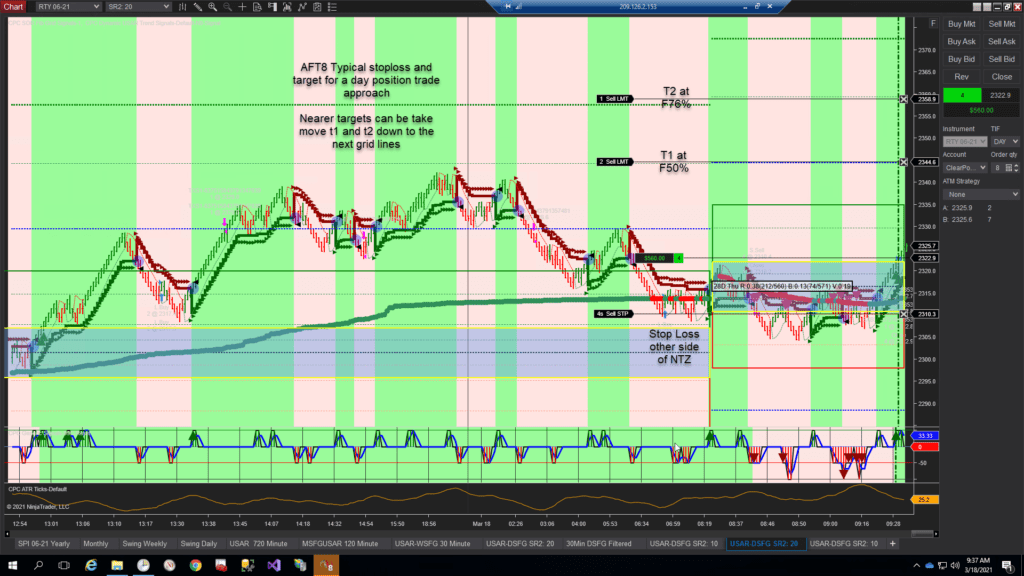
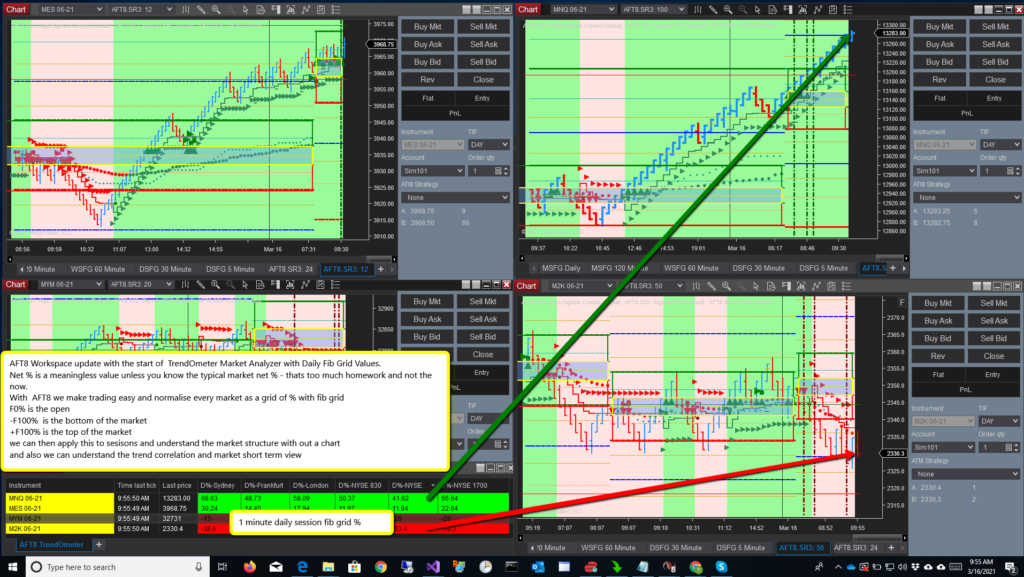
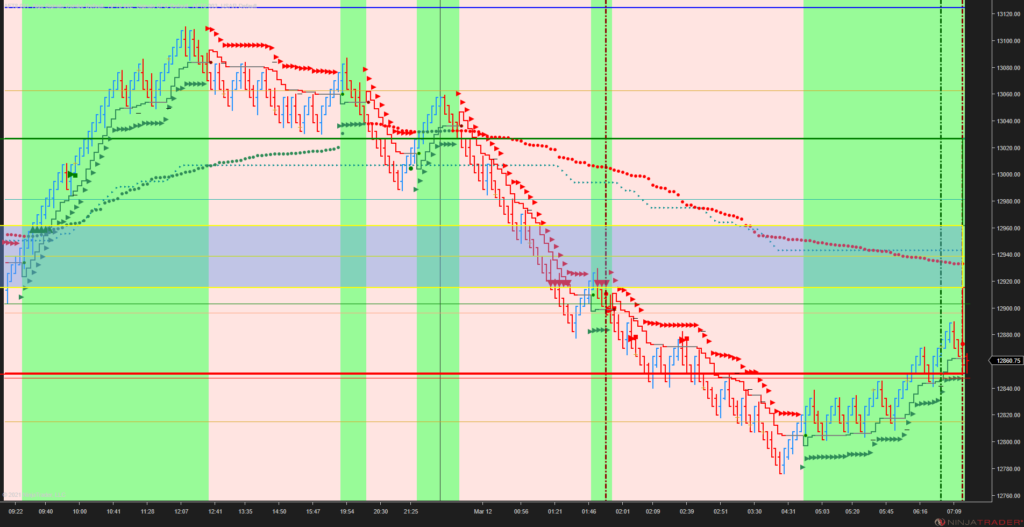
Using the Daily Session Fib Grid signals indicator as the system base, signals are taken above or below the Daily Session Fib Grid “No Trade Zone” (NTZ) within a percentage above and below that area, called the trading zone. The area is set by the “SFG Proximity Filter %”.
The SFG Fib Grid provides a map of price as a grid of percentages. The open is F0%. +F100% is the daily expected high, and -F100% is the daily expected low.
We can use the grid for entries, targets, stops, and as a filter. The trading zone where we take signals as trades could be +F31% of the Daily SFG Grid above and -F31% below. This region can be adjusted to suit trading style.
AFT PDF Trading Signals Basics Guide
AFT7 Session Open Breakout Trading Signal Types: Please see this guide, which is a basic introduction and guide to day trading futures with AFT in a session breakout mode: AFT Trade Plan System Rules
Turnkey Workspaces
- AFT SFG Breakout Trader-0000A-Generic-Micros
Aimed at Semi-Automatic and Fully Automated Traders in attendance
Related Links
NinjaTrader Performance Tips
1. Manually install AFT7 and ensure you have the latest version.
2. Close all other workspaces; only open one workspace.
3. Close the market analyzer if not using it to see the difference.
4. Only trade on a few charts, for example, just one or two in trading mode.
5. Save the workspace as your own copy.
6. Reset the NT7 sim accounts to free up data overhead.
7. Ensure you are not saving data to disk.
Servers
These work fantastically based in St. Louis, USA:
https://contabo.com/?show=configurator&vds_id=301
Windows 2016/2019
Workstation/Laptop
NinjaTrader 7 and AFT7 can be quite data/CPU hungry.
1. PC Specifications:
You will need a modern spec PC:
Intel Core i7 or better, AMD Ryzen 7 or 9
16GB or more RAM
SSD Hard drive – Samsung NVME EVO recommended
Dual or triple monitor video card
ASUS motherboard preferred
SSD Drive D for Data
Add a drive D NVME SSD and move My Documents to that drive.
e.g., D:\Users\Trader\Documents
Then install NinjaTrader into the usual place:
D:\Users\Trader\Documents\NinjaTrader 7
NT8 Versions
The NT8 version promises to be more performance-oriented with orders internally, but NT8 is very resource-intensive and requires a very good PC, or it will bog down and serve lagged old tick data in real-time.
AFT7 Hybrid Automated Entry Day Trading Micro Futures
This video below shows the turnkey day trading workspace for the NYSE session breakout style of trading with the Automated Trading mode and Semi-Autonomous mode on.
- Fully Automatic – Unlimited – Auto trade entry mode
- Semi-Automatic – Limited – Auto trade entry mode
- Manual User Mode – AFT Easy Trader Button Entry
Please visit the AFT 24/7 Help Center for AFT7 Video Guides.
For more information, see how to get started day trading.